

1. Introduction
Computers are integral to modern life, from work and education to entertainment and communication. Understanding how they work and their classification is crucial for beginners. This guide simplifies key concepts, offering a foundation for learning about computers and operating systems (OS).
2. What is a Computer?
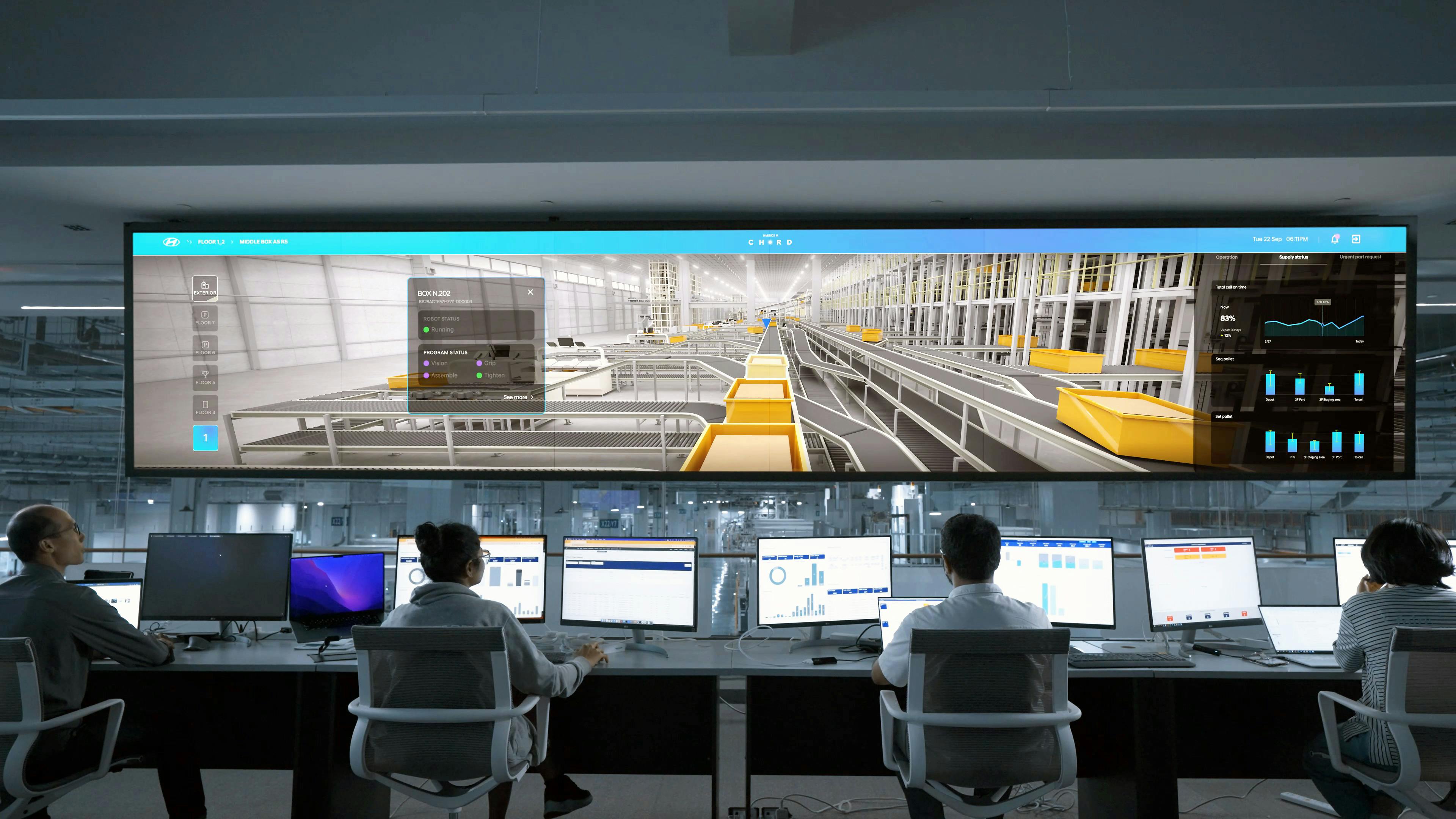
A computer is an electronic device designed to process data based on user input. It follows a cycle of input, processing, output, and storage, helping users perform tasks like typing, calculations, and more.
3. Classification of Computers
Computers can be classified based on their size, purpose, functionality, and processing power. Here's a breakdown:
Classification by Size
a. Microcomputers (Personal Computers)

Microcomputers are commonly used by individuals and businesses for daily tasks like word processing, browsing, and gaming. These include:
- Desktop Computers: Used at a fixed location with separate components like monitors, CPUs, and keyboards.
- Laptops: Portable computers with integrated monitors, CPUs, and keyboards.
- Tablets: Lightweight, touch-screen devices for browsing and reading.
- Smartphones: Pocket-sized devices functioning as mini-computers.
b. Minicomputers
Minicomputers are larger than microcomputers and are often used in business settings for data processing and managing databases. Although the term is outdated, minicomputers are still referred to as "midrange servers."
Example: IBM AS/400 (now known as IBM iSeries). The IBM AS/400 (now known as IBM iSeries) is renowned for its robust performance and reliability, making it a preferred choice for businesses handling large-scale data processing and transaction management. One interesting fact is that despite being introduced in the late 1980s, it continues to be widely used due to its seamless backward compatibility, allowing organizations to run decades-old applications without major modifications.
c. Mainframe Computers
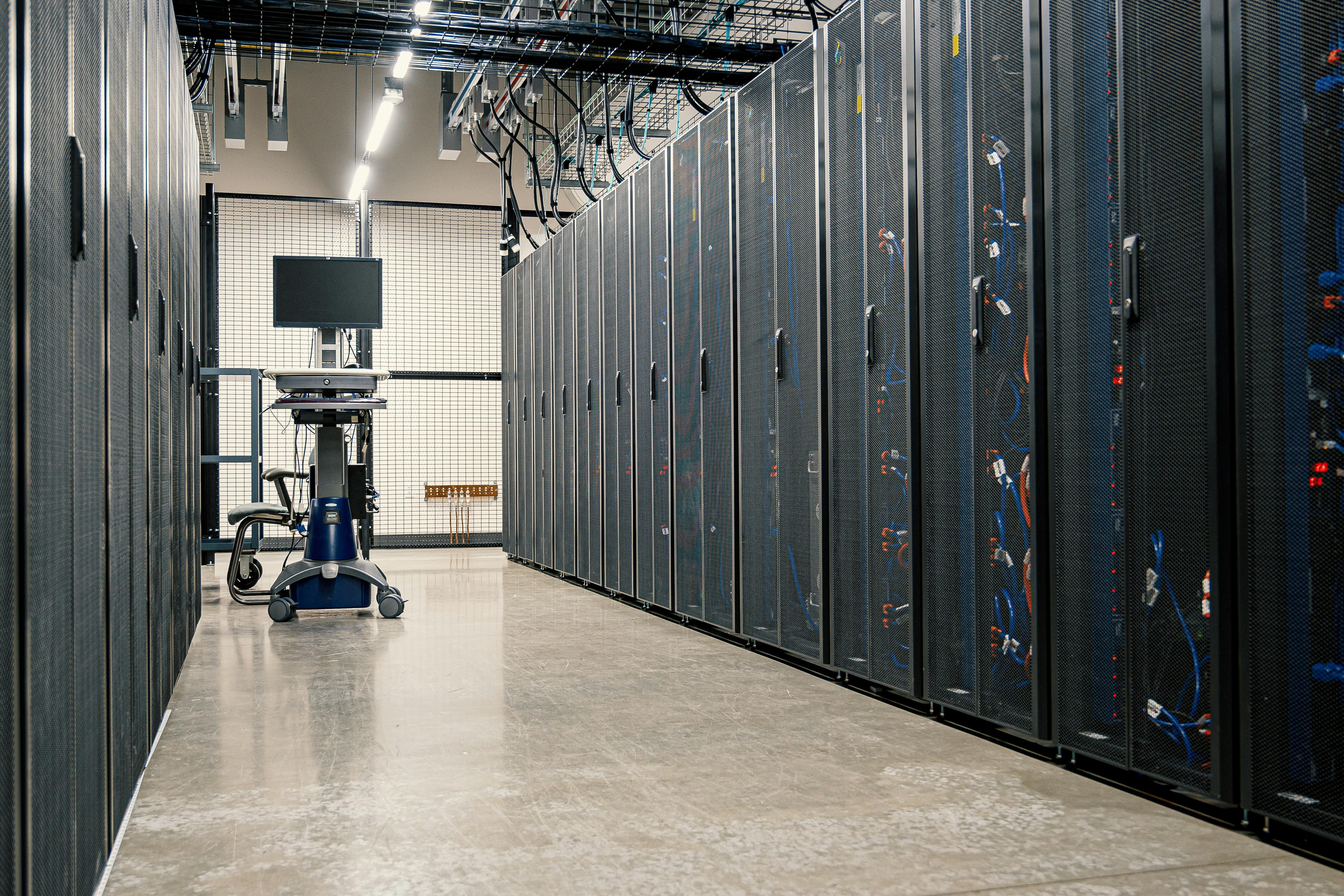
Mainframes are powerful systems used by large organizations for processing vast amounts of data. They are built to handle multiple users and applications simultaneously, making them ideal for banking, government, and insurance industries.
Example: The IBM zSeries mainframes are known for their exceptional scalability and security, often used by large enterprises for critical applications like banking and government operations. An interesting feature is their ability to run multiple operating systems simultaneously on a single machine, making them a powerhouse for virtualization and high-volume transaction processing.
d. Supercomputers
Supercomputers are the most powerful, used for complex tasks requiring vast processing power such as weather forecasting and scientific research.
Example: Summit, developed by IBM; Fugaku, developed by RIKEN and Fujitsu.
Classification by Purpose
a. General-Purpose Computers
These versatile computers can perform a wide range of tasks and run different types of software.
Example: Personal computers, laptops, and servers.
b. Special-Purpose Computers
Special-purpose computers are designed for specific tasks such as medical diagnostics, traffic control, and GPS navigation systems.
Example: Embedded systems in medical equipment.
4. What is an Operating System (OS)?
An operating system (OS) manages the computer’s hardware and software resources, ensuring smooth operation. Without an OS, a computer cannot function.
Functions of an OS:
- Process Management: Manages multiple running applications.
- Memory Management: Allocates system memory to different tasks.
- File Management: Organizes and manages files on storage devices.
- Device Management: Facilitates communication between the computer and peripherals.
- User Interface: Provides an interface for users to interact with the system.
5. Popular Operating Systems
1. Microsoft Windows
Windows is known for its user-friendly interface and compatibility with a wide range of hardware and software.
2. macOS
macOS, designed by Apple, is favored for its sleek design, security features, and integration with other Apple devices.
3. Linux
Linux is an open-source OS, favored by developers and IT professionals for its customizability and security.
6. How to Choose the Right OS
Choosing an operating system depends on your needs:
- Windows: Best for general users needing wide software compatibility.
- macOS: Ideal for creative professionals and Apple users.
- Linux: Great for developers and users seeking a customizable OS.
7. Basic Computer Operations
Here are some basic operations that every beginner should know:
Starting and Shutting Down the Computer
To start your computer, press the power button. When done, shut it down properly to avoid data loss:
- On Windows: Click "Start," then "Power," and select "Shut down."
- On macOS: Click the Apple icon and select "Shut Down."
- On Linux: Use the shutdown option in your system menu.
File Management
Learning to manage files is essential. Use file explorers to move, copy, or delete files and organize them into folders.
8. Understanding Computer Security
As technology advances, keeping your computer secure is increasingly important. Protect your system from threats like viruses and malware.
Common Security Threats
- Viruses: Programs that damage your system or steal data.
- Spyware: Software that collects data without your knowledge.
- Ransomware: Malware that locks your files and demands payment for release.
How to Protect Your Computer
- Install Antivirus Software: Use reputable antivirus software to protect against threats.
- Keep Your OS Updated: Regular updates often include security patches.
- Use Strong Passwords: Choose unique, strong passwords for each account.
9. Future Trends in Computers and Operating Systems
The future of computing will see new trends emerge, including:
- Cloud Computing: More applications are moving to the cloud.
- Artificial Intelligence: AI is making operating systems smarter.
- Quantum Computing: Quantum computers may revolutionize complex problem-solving.
10. Conclusion
Understanding computers and operating systems is key in today’s tech-driven world. With this knowledge, you can use technology effectively and explore more advanced topics in computing with confidence.
